
Nanobanana 2.0 delivers true native 4K resolution images in just 3.2 seconds with breakthrough efficiency—400% faster than previous versions. This revolutionary efficiency of Nanobanana 2.0 enables real-time professional-quality image generation that was previously impossible. Experience stunning detail and clarity at full 4K resolution without upscaling or quality compromise.
Nanobanana 2.0 - Next-Gen 4K Intelligent Image Creator
Nanobanana 2.0 introduces revolutionary AI image generation with native 4K ultra-HD output, enhanced multi-step planning engine, and breakthrough 98% success rate. Built on cutting-edge deep learning architecture and visual optimization algorithms, Nanobanana 2.0 creates stunning professional-grade images with advanced quality pre-screening, automatic detail enhancement, and 400% faster processing speed than previous versions. Experience Nanobanana 2.0's next-generation efficiency and quality today.
Upload Reference Images
Transform your images with Nanobanana 2.0's advanced multi-image fusion. Nanobanana 2.0 supports up to 5 images for professional results.
Supports JPG, PNG, and WEBP
Aspect Ratio
Choose the format for your Nanobanana 2.0 generated 4K image. Nanobanana 2.0 supports all standard ratios.
Describe Your Vision
Tell Nanobanana 2.0 what you want to create. Nanobanana 2.0's enhanced multi-step workflow will plan and perfect your vision automatically.
0/1000

Native 4K Ultra-HD & Lightning Speed
Nanobanana 2.0 creates stunning native 4K images (3840×2160) in just 3.2 seconds—400% faster than previous versions. Perfect for commercial photography, architectural presentations, luxury brand marketing, and professional product visualization with genuine ultra-high-definition output that meets the demanding standards of large-screen displays, print output, and professional design applications.
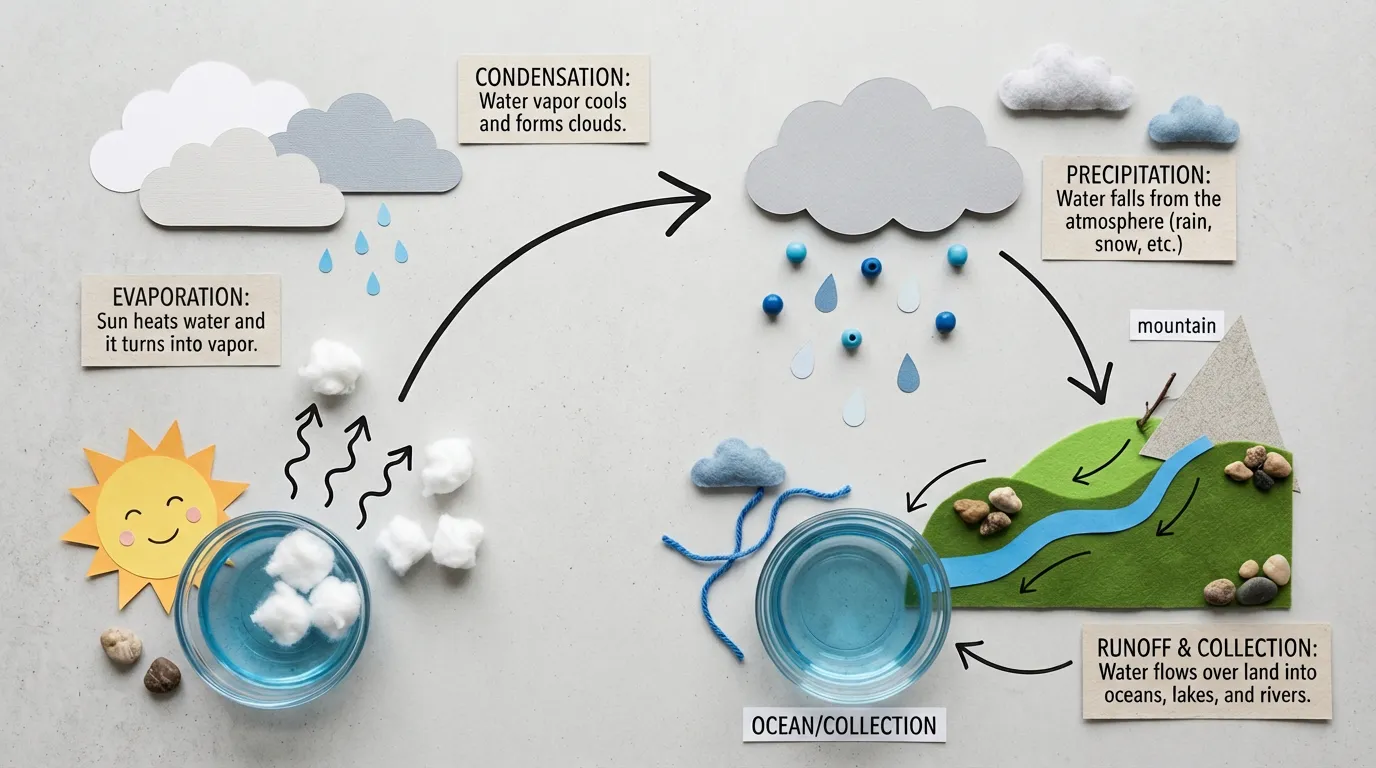 Nanobanana 2.0 native 4K ultra-HD generation example
Enhanced Multi-Step Planning Engine
Experience revolutionary next-gen 'think first, create later' AI technology. Nanobanana 2.0 conducts semantic analysis, composition design, detail planning, and quality prediction through four deep thinking stages before generation, achieving unprecedented 98% first-time success rate. Built-in real-time quality monitoring automatically identifies and corrects common issues, ensuring every image meets professional publishing standards for truly 'zero-waste' efficient creation experience.
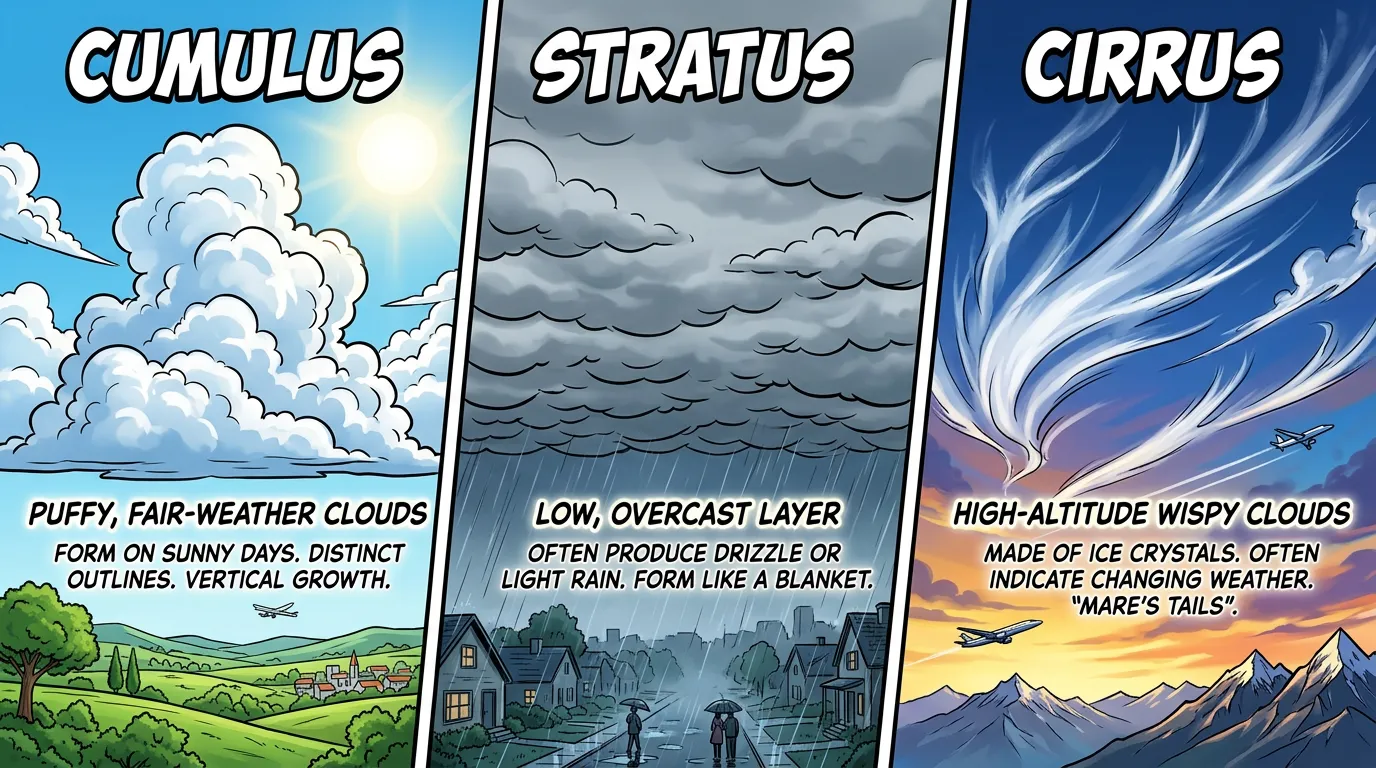 Nanobanana 2.0 intelligent planning workflow example
Advanced Multi-Image Fusion & Creative Control
Nanobanana 2.0 supports uploading up to 5 reference images simultaneously, using advanced visual understanding and intelligent fusion technology for deep analysis and creative recombination. AI intelligently extracts style characteristics, color tendencies, and compositional elements from each image, creatively fusing them into harmonious unified new works. Ideal for style transfer, concept mixing, product variant design, brand visual exploration, and other advanced creative scenarios—providing true creative collaboration capabilities for professional designers.
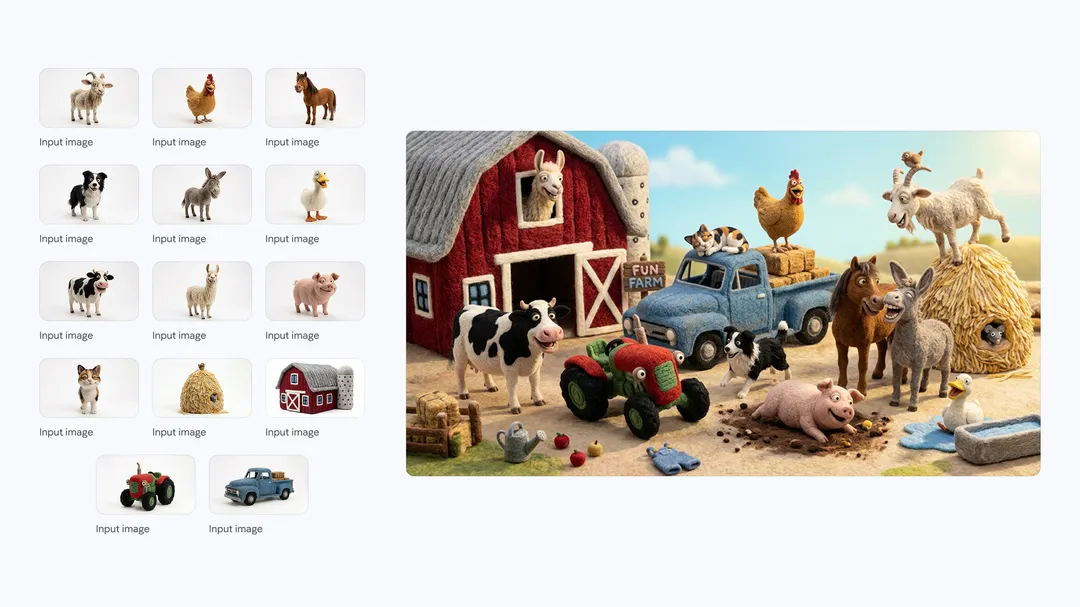 Nanobanana 2.0 multi-image fusion creation example
Revolutionary Features of Nanobanana 2.0
Nanobanana 2.0 represents the cutting edge of AI image generation. With Nanobanana 2.0, you get cutting-edge deep learning architecture combined with revolutionary enhanced multi-step workflow for unprecedented quality, reliability, and speed.
Frequently Asked Questions About Nanobanana 2.0
Find answers to common questions about Nanobanana 2.0's next-generation features, capabilities, and professional applications. Learn how Nanobanana 2.0 transforms your creative workflow.
01What is Nanobanana 2.0 and what's new compared to Nanobanana Pro?
Nanobanana 2.0 is the brand new next-generation version with major breakthroughs: 1) Success rate improved from 95% to 98%, virtually eliminating failed generations; 2) Processing speed increased 400% to average 3.2 seconds; 3) Enhanced 4K output quality with richer details and more accurate colors; 4) All-new intelligent planning engine with deeper understanding of complex prompts; 5) More powerful multi-image fusion with finer style control; 6) Optimized user interface and more intuitive parameter adjustment; 7) Added batch processing and task queue management. Simply put, Nanobanana 2.0 comprehensively upgrades performance, quality, and usability while maintaining all Pro advantages—the true professional-grade AI image generation tool for the future.
02How does Nanobanana 2.0's multi-step planning engine work?
Nanobanana 2.0's core innovation is its revolutionary multi-step intelligent planning system. When you submit a generation task, the AI doesn't immediately start rendering but first enters a 'thinking phase': Step 1, semantic understanding layer deeply analyzes your prompt, identifying key objects, style requirements, and atmospheric descriptions; Step 2, composition design layer plans image layout, subject positioning, and visual balance; Step 3, detail planning layer determines lighting schemes, material textures, and color coordination; Step 4, quality prediction layer evaluates potential issues and automatically optimizes parameters. Only after all four stages pass validation does the AI begin actual image generation. This 'think first, then create' mechanism dramatically improves quality and success rate, avoiding common issues like compositional imbalance, missing details, and style confusion.
03How do I write better prompts to fully leverage Nanobanana 2.0?
While Nanobanana 2.0 features intelligent prompt optimization, following best practices yields better results: 1) Clearly describe the subject (specific people, objects, or scenes); 2) Specify artistic style (e.g., 'photorealistic', 'concept art', '3D rendering'); 3) Detail visual elements (colors, lighting, materials, atmosphere); 4) Composition and perspective (close-up, wide-angle, bird's-eye view); 5) Reference specific artists or work styles (optional). Example quality prompt: 'An elegant woman in a blue silk dress standing in a French courtyard, soft natural light at dusk from the side, blurred background, cinematic composition, professional portrait photography style, Fujifilm color tone.' Avoid overly simple or vague descriptions—detailed, specific prompts allow AI to more accurately realize your creative vision.
04What output formats and resolutions does Nanobanana 2.0 support?
Nanobanana 2.0 provides comprehensive output flexibility: For resolution, supports full range from standard definition to native 4K (3840×2160 pixels), allowing you to choose appropriate resolution based on usage; For format, defaults to high-quality JPEG while supporting PNG to preserve alpha channels (suitable for scenarios requiring post-compositing). Aspect ratios cover six mainstream options: 1:1 (social media, product display), 4:3 (classic photography), 3:4 (vertical posters), 16:9 (horizontal banners), 9:16 (vertical video covers), 21:9 (ultra-wide cinematic). All outputs undergo intelligent color management and sharpening optimization to ensure optimal visual presentation across various display devices and applications.
05How many credits does generating an image cost? How long does processing take?
Nanobanana 2.0 uses a transparent and economical credit billing system: Each image generation consumes 25 credits, maintaining unified simple pricing regardless of resolution or aspect ratio chosen. Compared to other 4K image generation services, this pricing is highly competitive. For processing time, thanks to the new architecture optimization, standard definition images average 2.5 seconds completion, 4K ultra-HD images average 3.2 seconds, and even complex multi-image fusion tasks typically don't exceed 5 seconds. The system employs intelligent queuing mechanism to maintain stable processing speed even during peak user hours. You can monitor generation progress in real-time through the interface with immediate notification upon task completion. Efficient processing speed enables rapid creative iteration and trying multiple approaches in short timeframes.
06How does Nanobanana 2.0 achieve its 98% success rate?
Nanobanana 2.0 achieves industry-leading 98% generation success rate through triple assurance mechanisms: First layer is the intelligent planning engine conducting four-stage deep analysis before generation, identifying and correcting potential failure issues in advance; Second layer is real-time quality monitoring system continuously evaluating image quality during generation, immediately triggering automatic correction when anomalies (blur, distortion, color collapse) are detected; Third layer is post-verification and auto-retry system—if first generation doesn't meet quality standards, AI automatically regenerates using optimized parameters without consuming additional credits. These three mechanisms work together to virtually eliminate 'generation failed' and 'unusable results' situations, ensuring every creation yields satisfactory high-quality results for truly 'zero-waste' efficient creative experience.
07What professional application scenarios is Nanobanana 2.0 suitable for?
With professional-grade image quality and advanced features, Nanobanana 2.0 is widely applied across multiple industries: E-commerce for product main images, detail page graphics, promotional posters; Advertising marketing for creative materials, brand visuals, campaign assets; Content creators for social media graphics, article illustrations, video covers; Designers for rapid concept drafts, visual proposals, mood boards; Real estate and architecture for interior/exterior renderings, scene visualization; Education and training for teaching illustrations, courseware materials; Gaming and animation for character design, scene concepts, UI elements. Whether individual creators, small studios, or large enterprise teams, Nanobanana 2.0 meets full-process needs from rapid prototyping to final delivery.
08What are the requirements for uploaded reference images? How to get best results?
To fully leverage Nanobanana 2.0's multi-image fusion capabilities, follow these best practices: 1) Image formats support JPEG, PNG, WebP with max 10MB per file; 2) Use high-clarity images with clear subjects, avoiding overly blurred or heavily compressed materials; 3) For multi-image fusion, upload images with similar styles or clear relationships for more harmonious results; 4) If there's a specific dominant image, place it first; 5) For product or portrait references, frontal, clear, well-lit images work best. The system intelligently analyzes each image's characteristics and automatically optimizes fusion strategy, but high-quality input materials are always the foundation for excellent results. If uploaded images are lower quality, AI will optimize as much as possible, but using original high-resolution materials is recommended for best generation outcomes.